Briefing
How it plays
RESQ starts on a virtual table, with no permission prompt. Choose “Use my table” and it finds a real table in your room and fits the board to it: wide on a big table, compact on a small one. It stays where you left it next time.
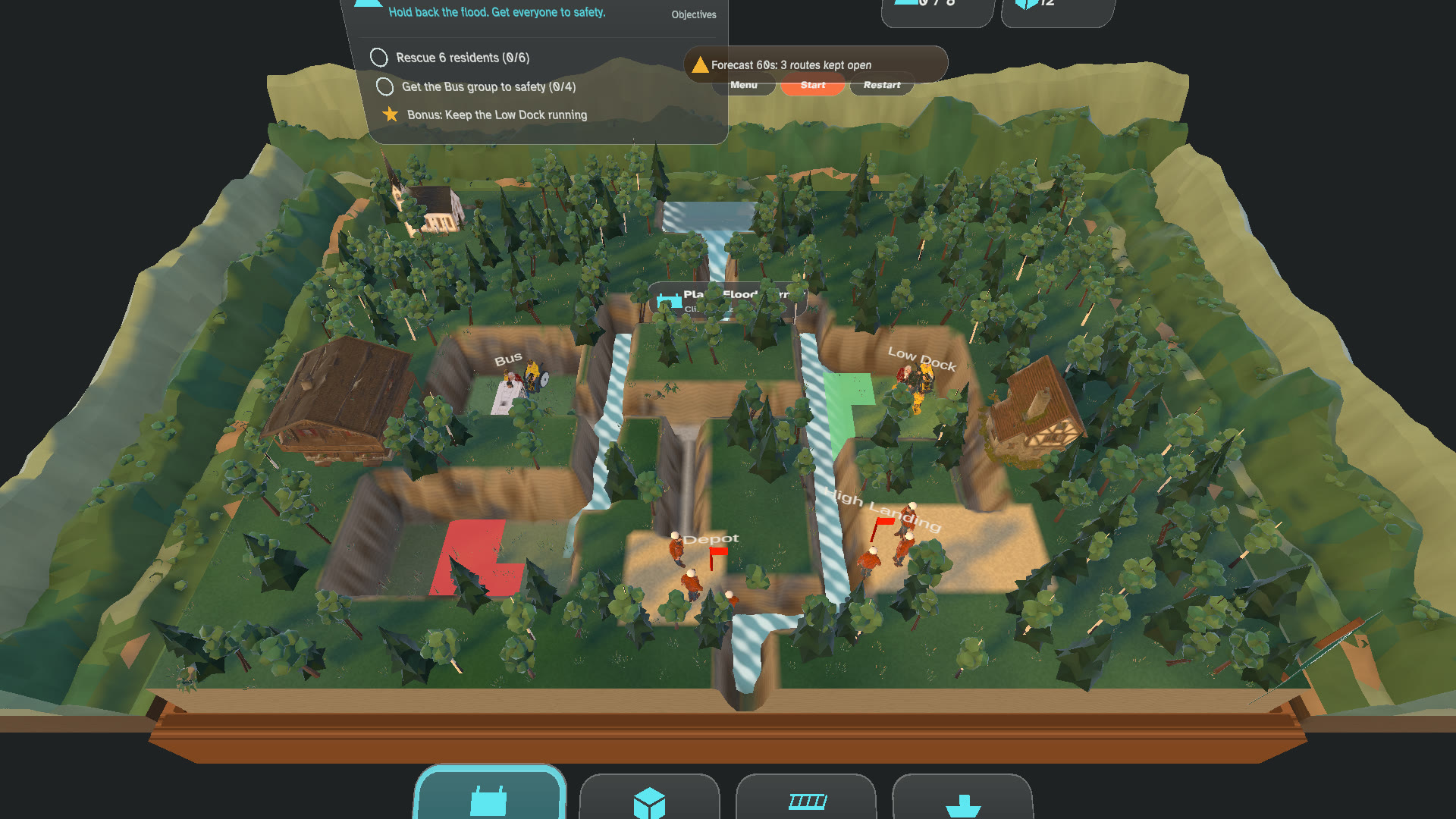
01Forecast while placing a barrierEditor render Read the warnings, test an idea
The card behind the board lists who needs help and what’s coming. Pinch a tool and hover it over a glowing spot: the forecast shows what that placement changes over the next minute. The clock doesn’t start until you press Start.
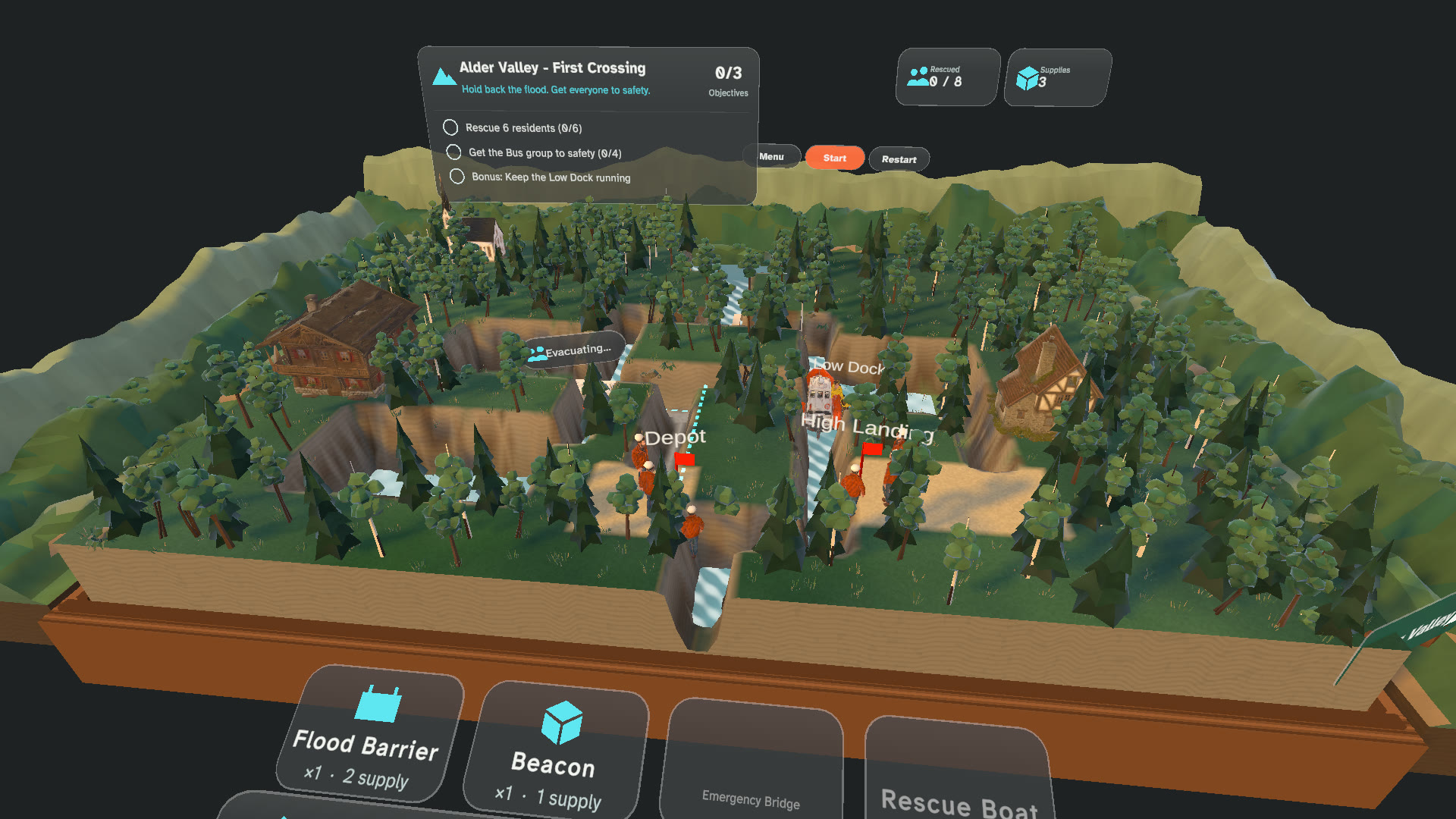
02Routing a boat to a waiting groupEditor render Place, route, adjust
Pinch or poke a tool card, then a spot on the board; or pinch, drag and let go. To move people, pick a group and then a destination. For a boat, bus, crawler or winch, pick the vehicle, the group, then the drop-off. Tap a placed pump, generator or sprinkler to switch it.
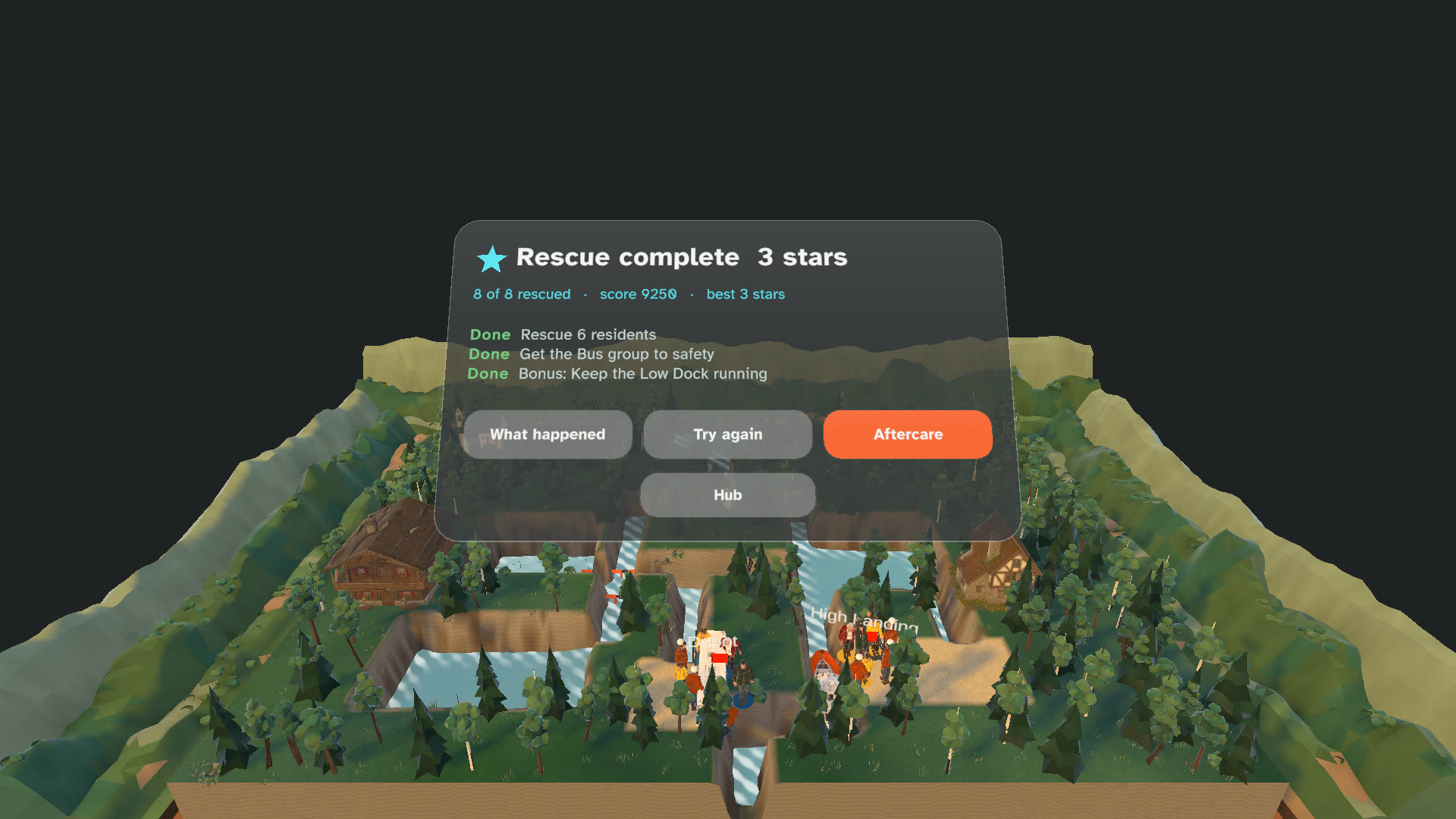
03Results after a rescueEditor render See what happened
Results show who reached safety and which goals you met. The debrief names the moment that mattered, and you can try the other plan.
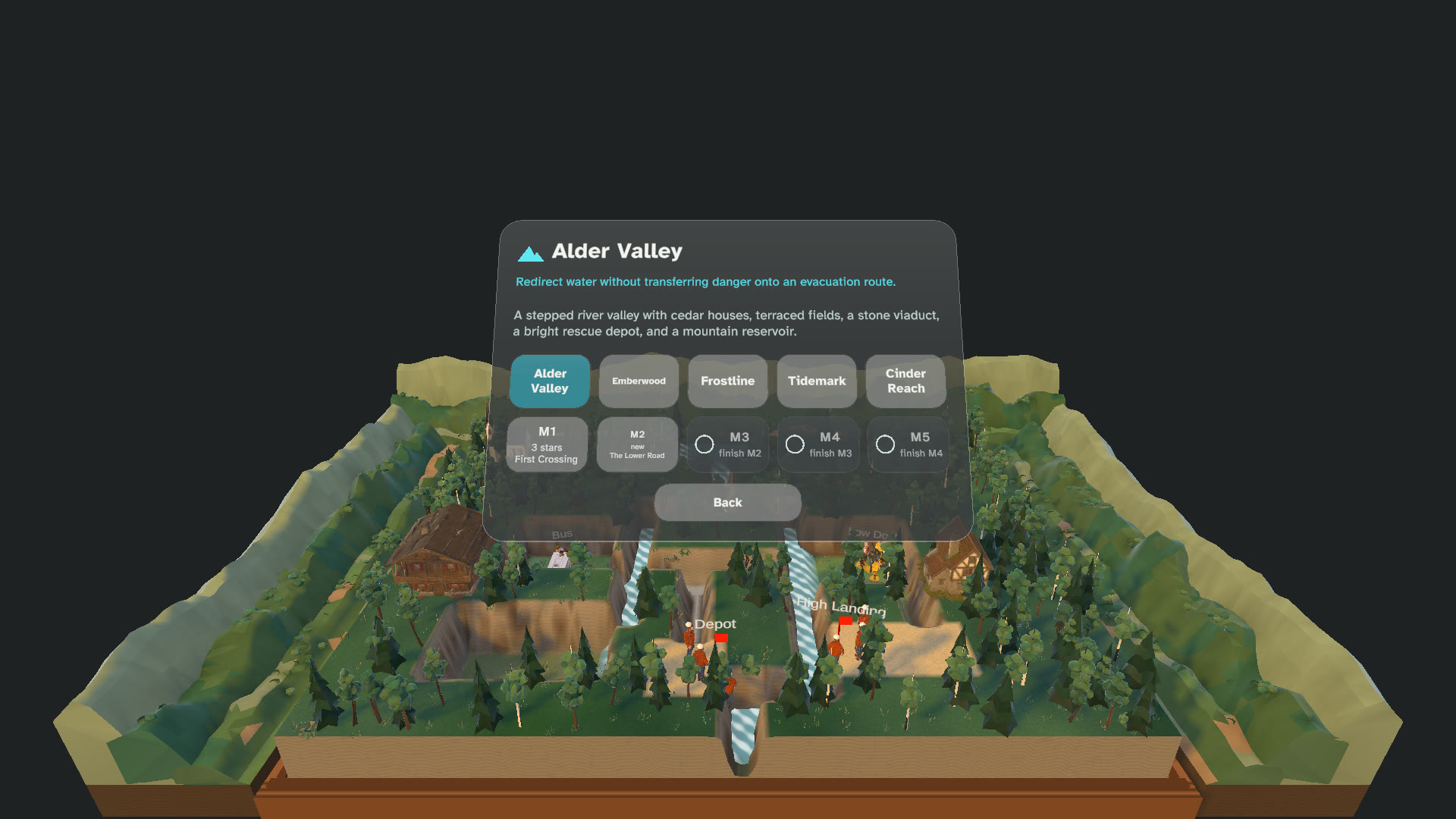
04Choosing a missionEditor render Pause any time
The Menu control is always on the run controls, and pausing freezes everything. In hands-free play, look at a control until it fills. If your hands leave view mid-rescue, the game pauses and waits.